9 one-tap AI edits, built into every gallery.
Photographers at your venue get 9 Cloudinary AI-powered tools right in the dashboard. Auto-enhance, upscale, remove background, remove blemishes — each tool one click. Saves hours per shoot and drives higher gallery quality = higher sales.


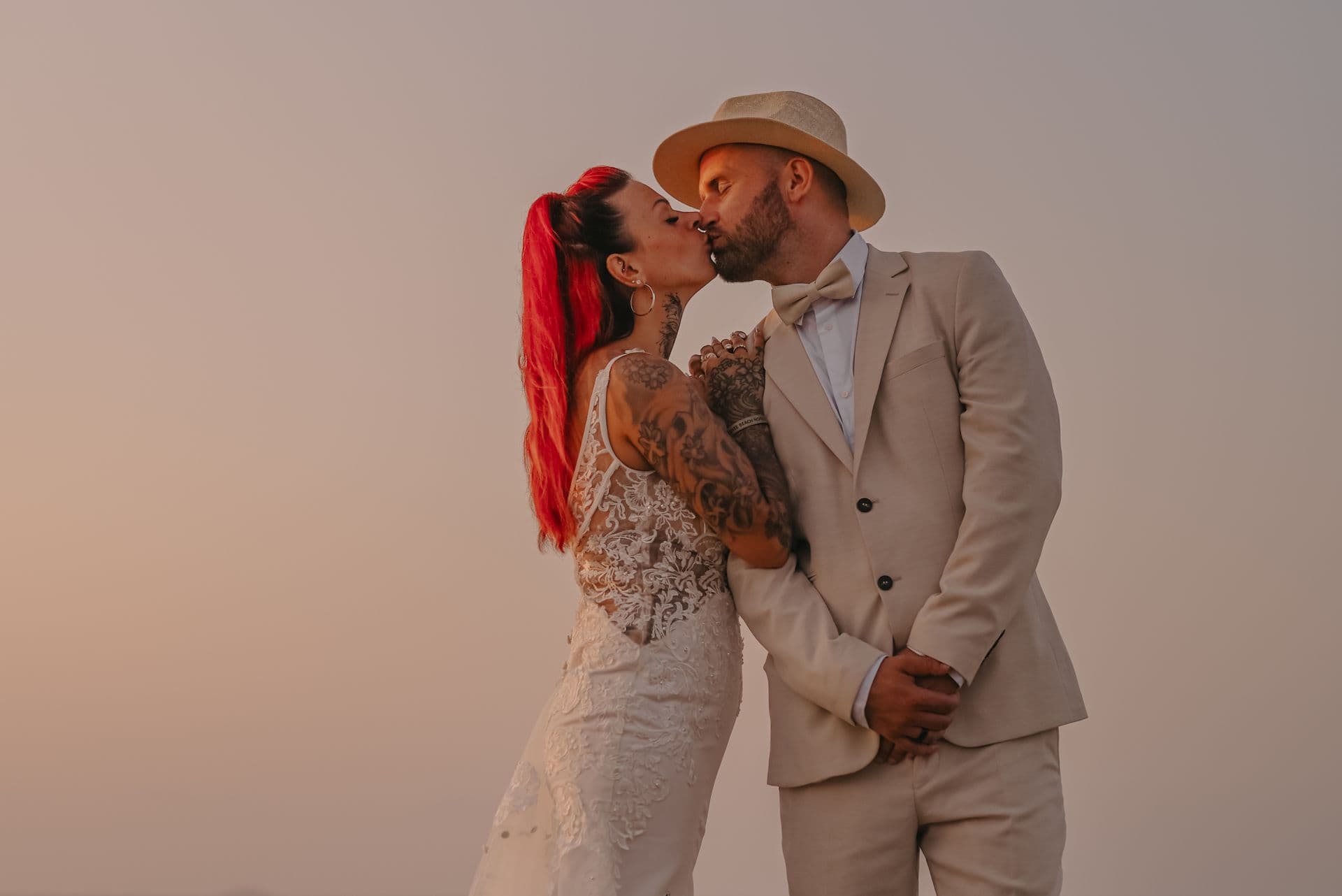
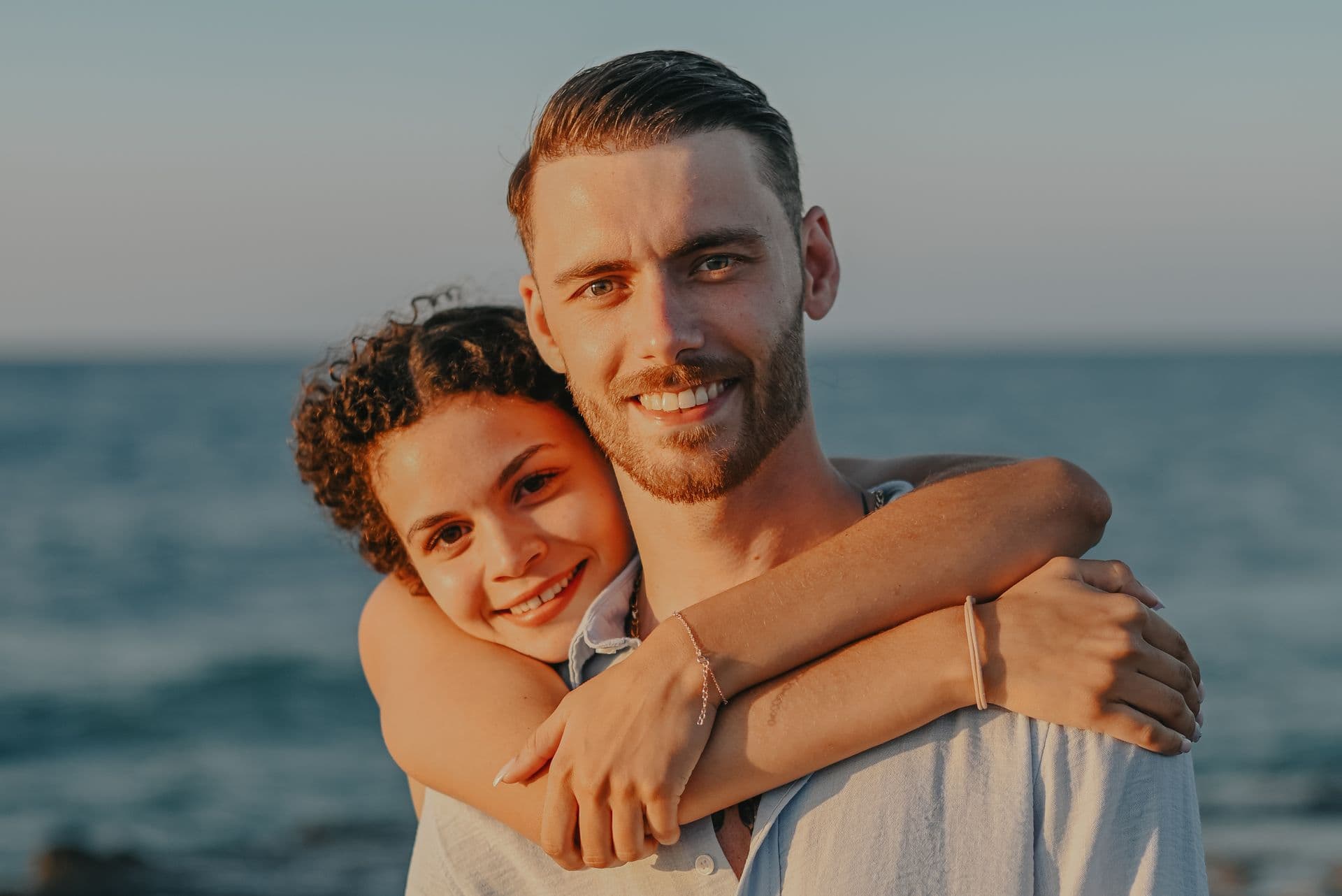
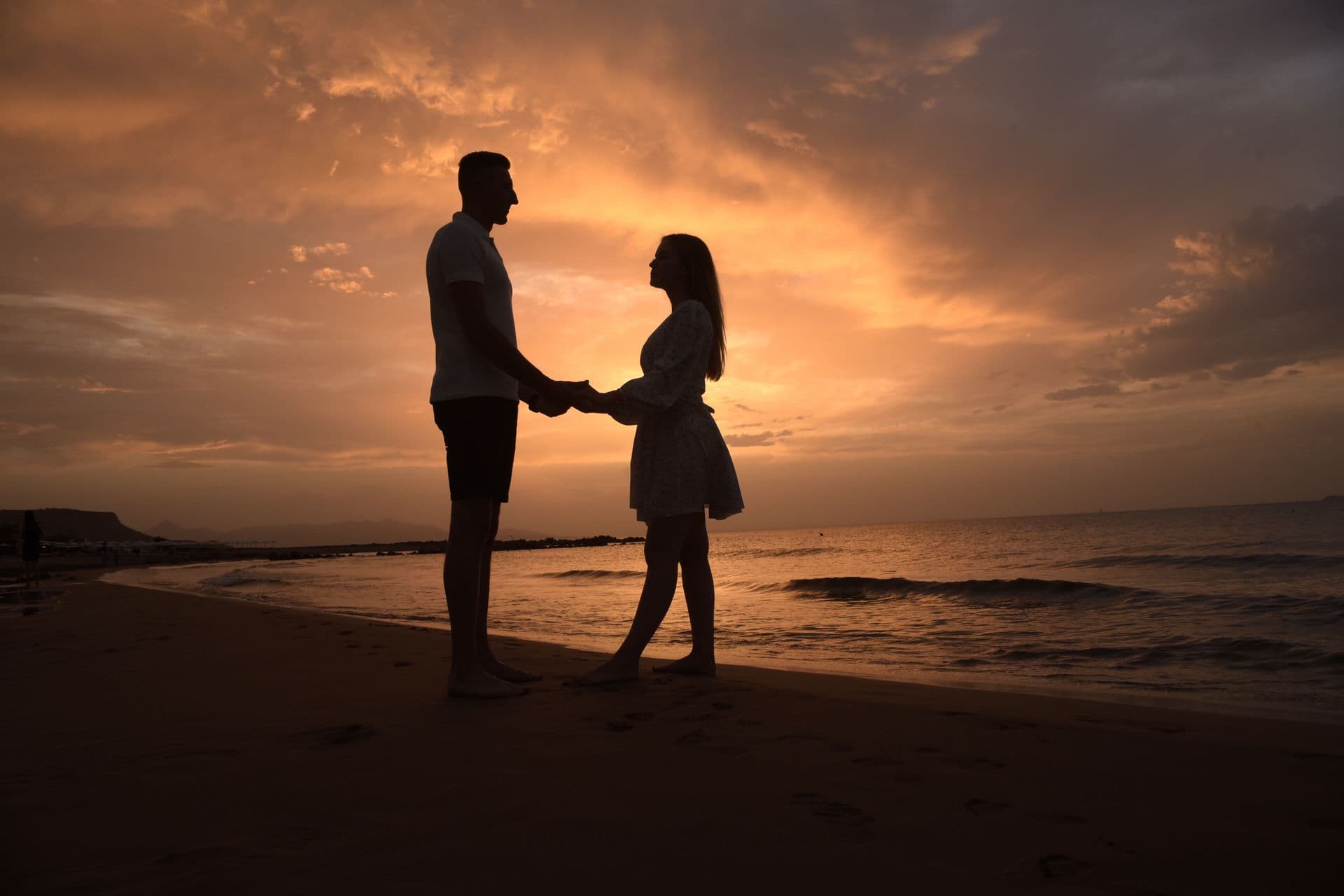
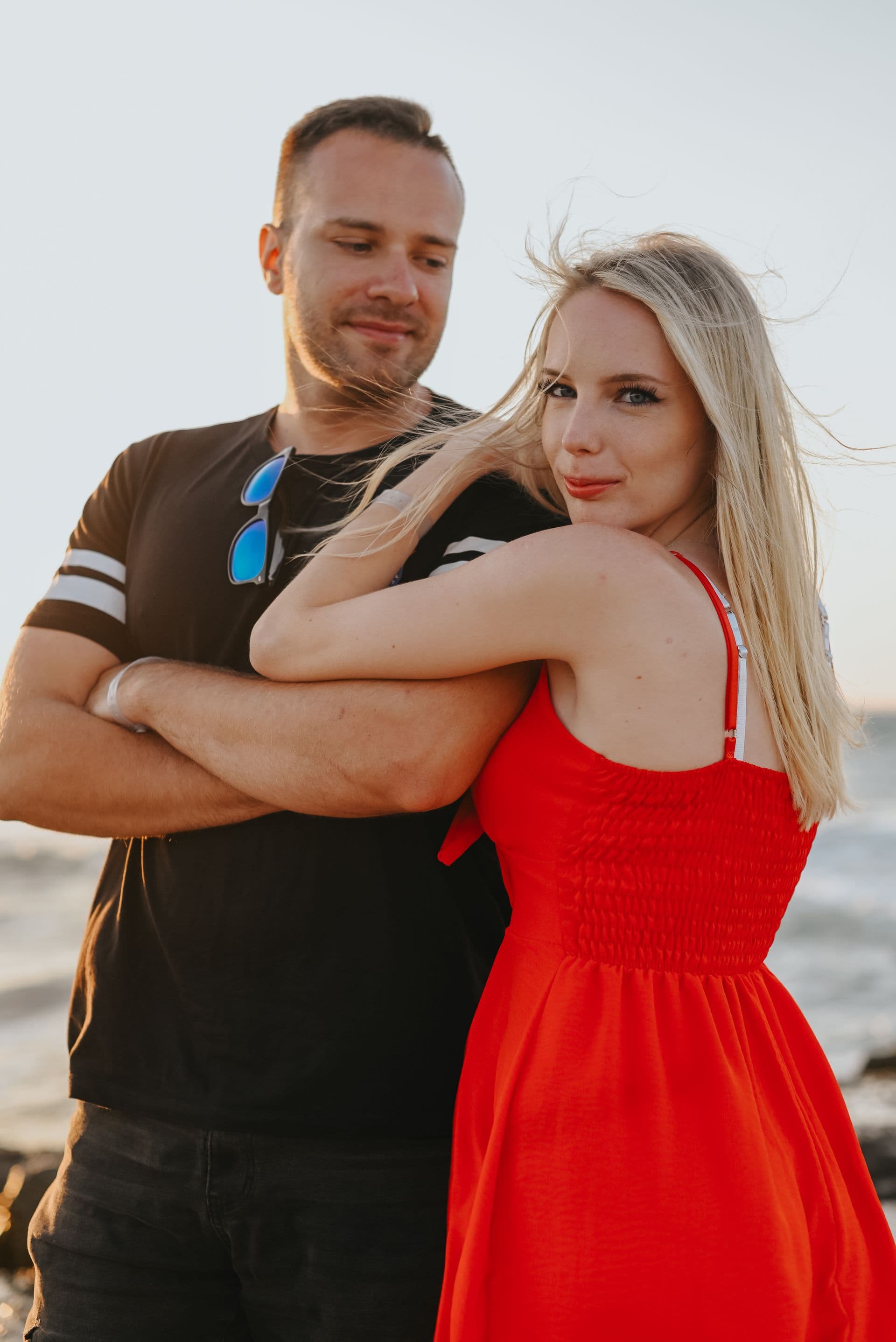


Auto Enhance
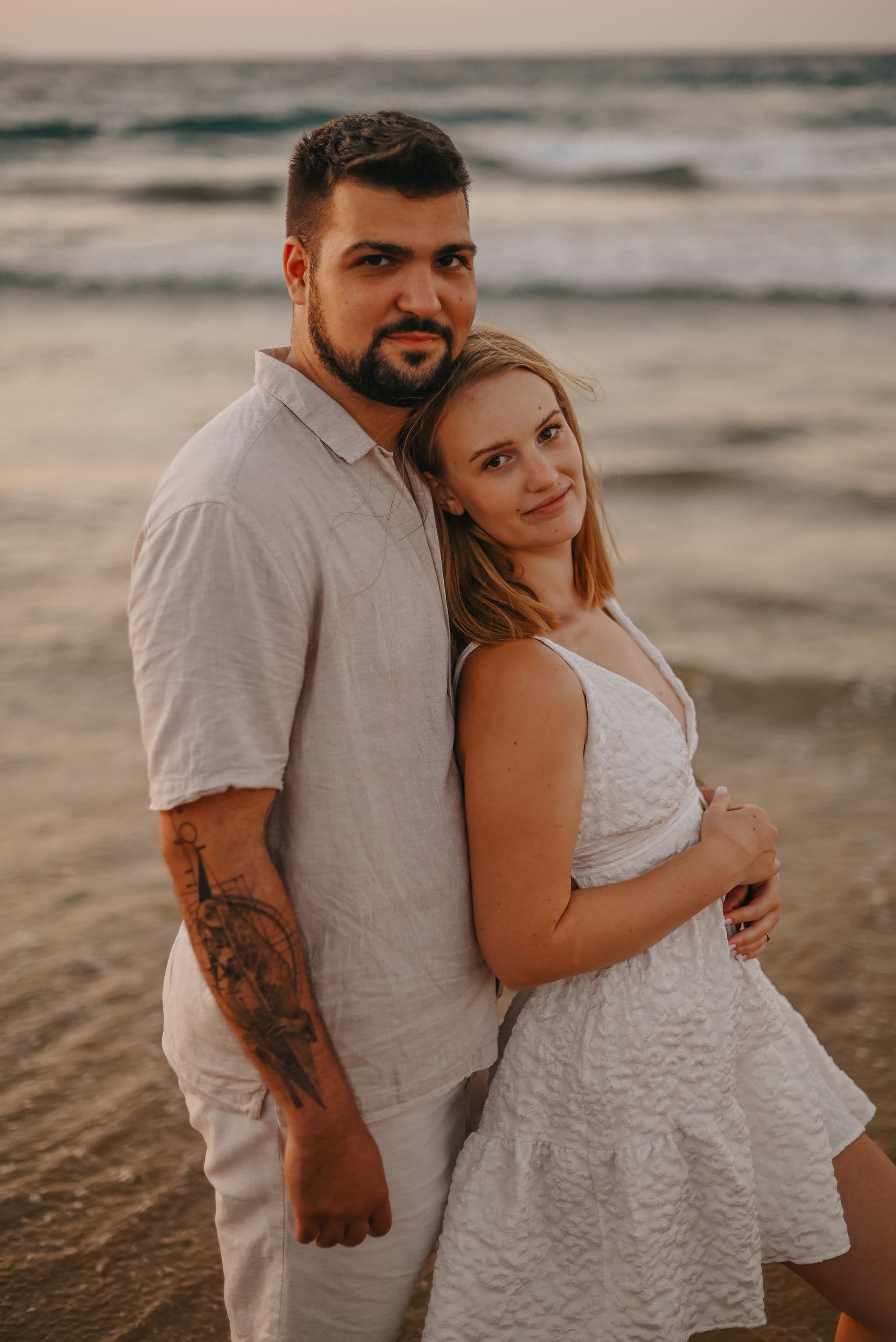
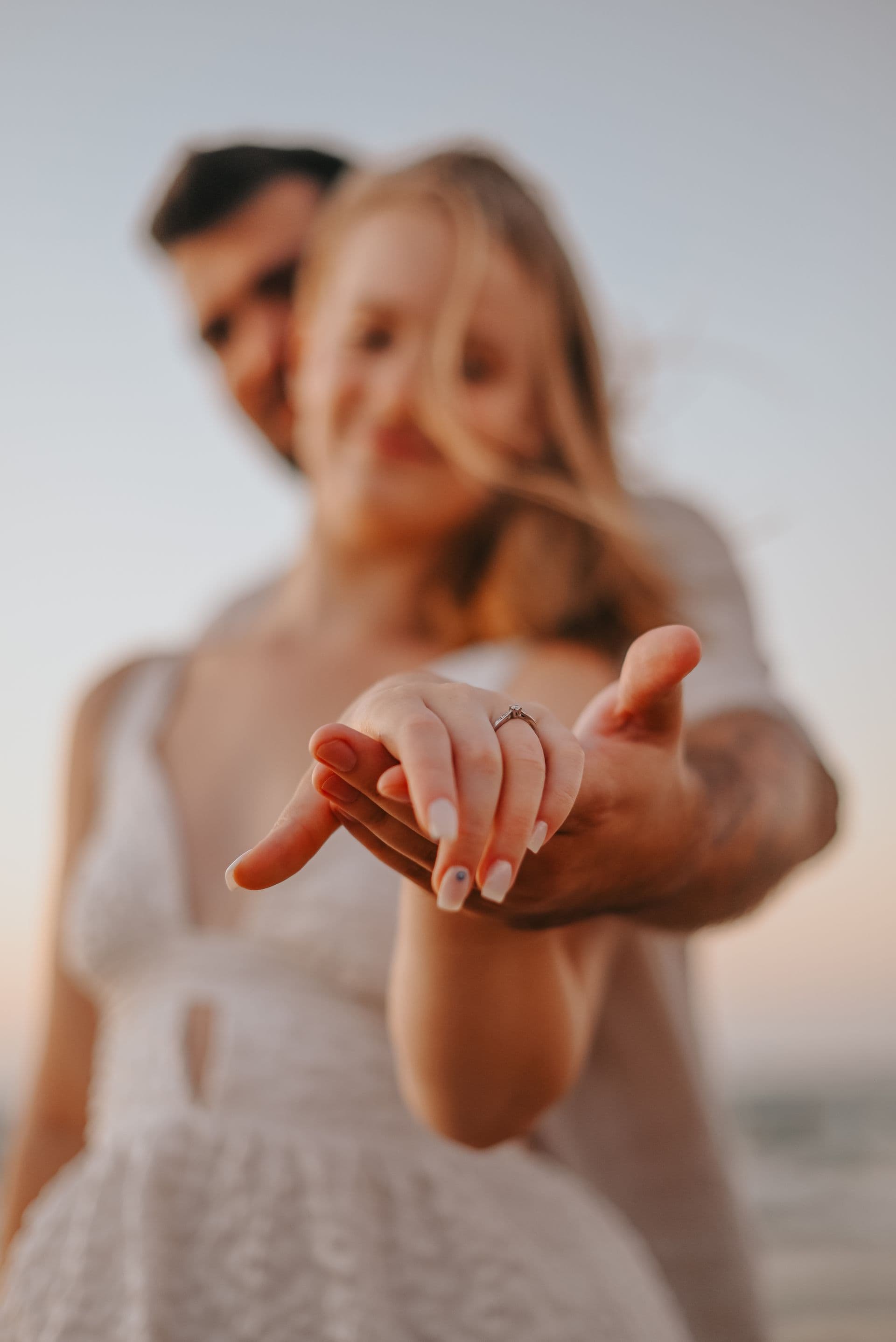
One click fixes exposure, color balance, contrast, and saturation — tuned for each photo by AI. Use it on a batch before gallery publish, or let photographers apply it themselves in the dashboard.
- Tuned per-photo, not a blanket preset
- Fixes underexposed pool and sunset shots
- Batch processing for entire galleries
- Non-destructive — original always preserved
- 5 seconds per photo, parallel processing
AI Upscale (up to 4x)
Turn web-size proofs into print-ready high-res. Useful for fixing low-res uploads, old archive photos, and enabling large-format prints from small originals.
- Up to 4× resolution increase
- Preserves detail without over-sharpening
- Enables canvas / metal-print sales from web-size originals
- Great for old client archive requests
- Batch upscale on entire gallery before print fulfillment
Background Removal
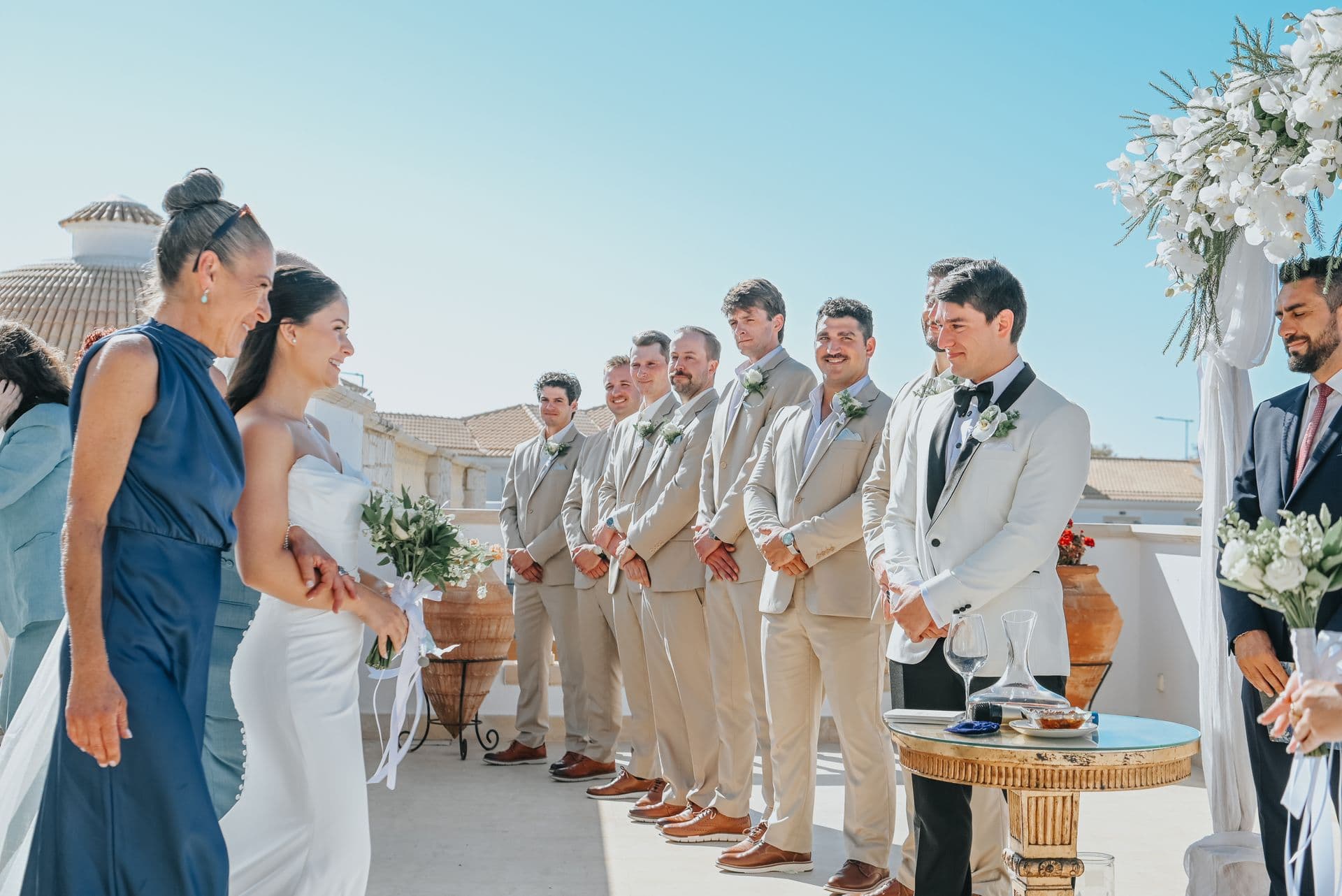
One-click background cut-out. Great for headshots, product shots, portrait subjects against busy backgrounds. Works on 95% of portraits without manual touch-up.
- Automatic subject detection
- Clean edges on hair, glasses, complex outlines
- Transparent PNG or replace with solid color / new background
- Powers 'green-screen safari' feature at zoos
- Batch mode for product/e-commerce shoots
6 more AI edits — all one-tap
The full AI Studio toolkit. Every edit lives in the photographer dashboard at /dashboard/ai-tools. Built on Cloudinary AI — no cost per edit, no rate limits for Fotiqo users.
- Blemish removal — one-tap skin cleanup
- Photo restore — fix scratches, fading, damage on old prints
- Smart sharpen — AI sharpening without artifacts
- Vibrance boost — enhanced colors with auto brightness
- Object removal — delete unwanted objects (stray tourists, signs, photobombers)
- Smart crop — AI picks best crop per photo for each aspect ratio
Everything included
No feature gates. No hidden upgrades. Get the full experience from day one.
Auto Enhance
Color, brightness, contrast correction tuned per-photo.
AI Upscale
Up to 4× resolution increase for print-ready output.
Background Remove
Clean cutouts on portraits, products, subjects.
Blemish Removal
One-tap skin cleanup without over-smoothing.
Photo Restore
Fix scratches, fading, damage on old prints.
Smart Sharpen
AI sharpening that preserves detail without halos.
Vibrance Boost
Enhanced colors + auto brightness adjustment.
Object Removal
Delete tourists, signs, photobombers from the frame.
Smart Crop
AI picks best crop per photo per aspect ratio.
Batch processing
Apply any tool to an entire gallery in one click.
Non-destructive
Original file always preserved — revert anytime.
Powered by Cloudinary AI
Enterprise-grade backend, zero per-edit cost for Fotiqo users.
Who it's for
Wedding photographers
Batch auto-enhance + blemish removal on 400 photos before gallery delivery. Saves 4+ hours per wedding.
Portrait studios
One-tap background remove turns any backdrop into a clean studio look. Batch mode for product shoots.
Venue photographers
Auto-enhance the sunset and pool shots that are always exposure-tricky. Gallery quality → conversion.
Archive restoration
Photo restore + AI upscale to breathe new life into old family or brand archives. New revenue stream.
Full feature list
Pixieset has no AI photo tools. Pic-Time has limited filters. ShootProof has no AI. Zno charges extra for AI restoration. Fotiqo ships 9 AI tools free on every plan from Starter up.
Compare plans“Fotiqo has everything I need in one place. I stopped paying for four separate tools and my workflow is so much simpler now.”
Ready to get started?
Free to start. No credit card. No monthly fees on the Starter plan.
Try AI Studio free